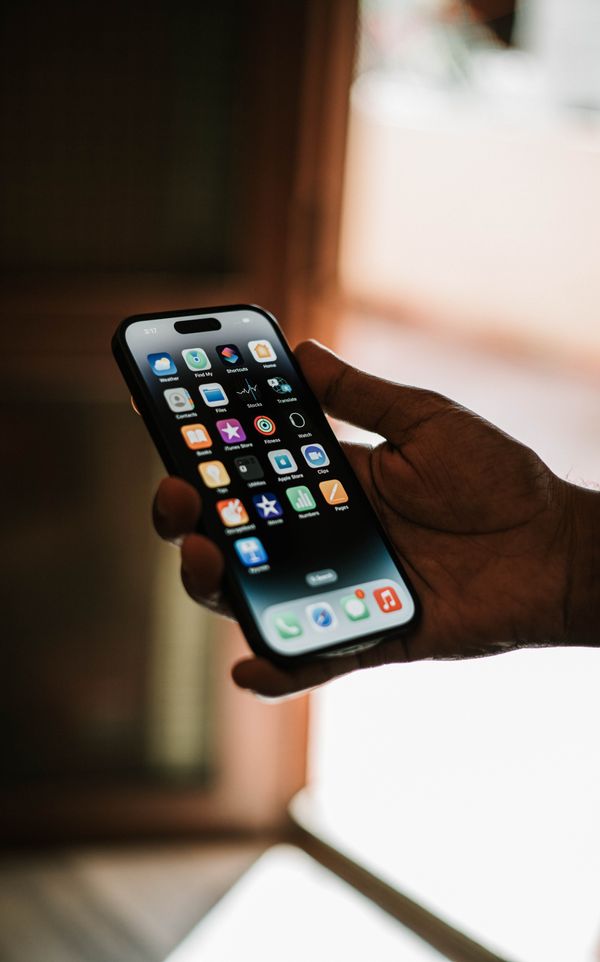
TUESDAY, OCTOBER 6, 2026 — Apple's beta machine didn't take the day off. At 10:06 a.m. PT Tuesday, MacRumors' Juli Clover reported that Apple had seeded the second public betas of iOS 27.2, iPadOS 27.2, macOS Golden Gate 27.2, tvOS 27.2, and watchOS 27.2 — exactly one day after the third developer betas dropped. For everyone on the public beta train, it's the biggest mid-cycle iOS update in years, and it's not really close. A redesigned Health app with a metric called Health Age. Siri AI in five more languages. Suggested Actions back in Messages with the fine-grained controls Apple should have shipped last time. And yes — for the first time in a while, a beta that genuinely feels like it has something for you, not just for Apple.
Getting it is the same drill it always is: sign up on Apple's beta testing website if you haven't already, then head to Settings > General > Software Update on your iPhone and flip on the beta. But hold on — we'll get to the caveats at the end, because there is one big reason to pause before you tap install.
Health gets its biggest redesign in years
This is the headline feature, no debate. iOS 27.2 carries the redesigned Health app Apple introduced at its September iPhone event, reorganized around three tabs — Insights, Longevity, and Browse — with the Longevity section hosting a new number called Health Age. It takes your activity, VO2 max, and sleep data and estimates your "fitness age" against your actual age. One number that says: here's how your body's holding up, give or take. Apple is clear, at least implicitly, that it's an estimate and not medical advice — but it's the friendliest use of raw HealthKit data Apple has ever shipped.
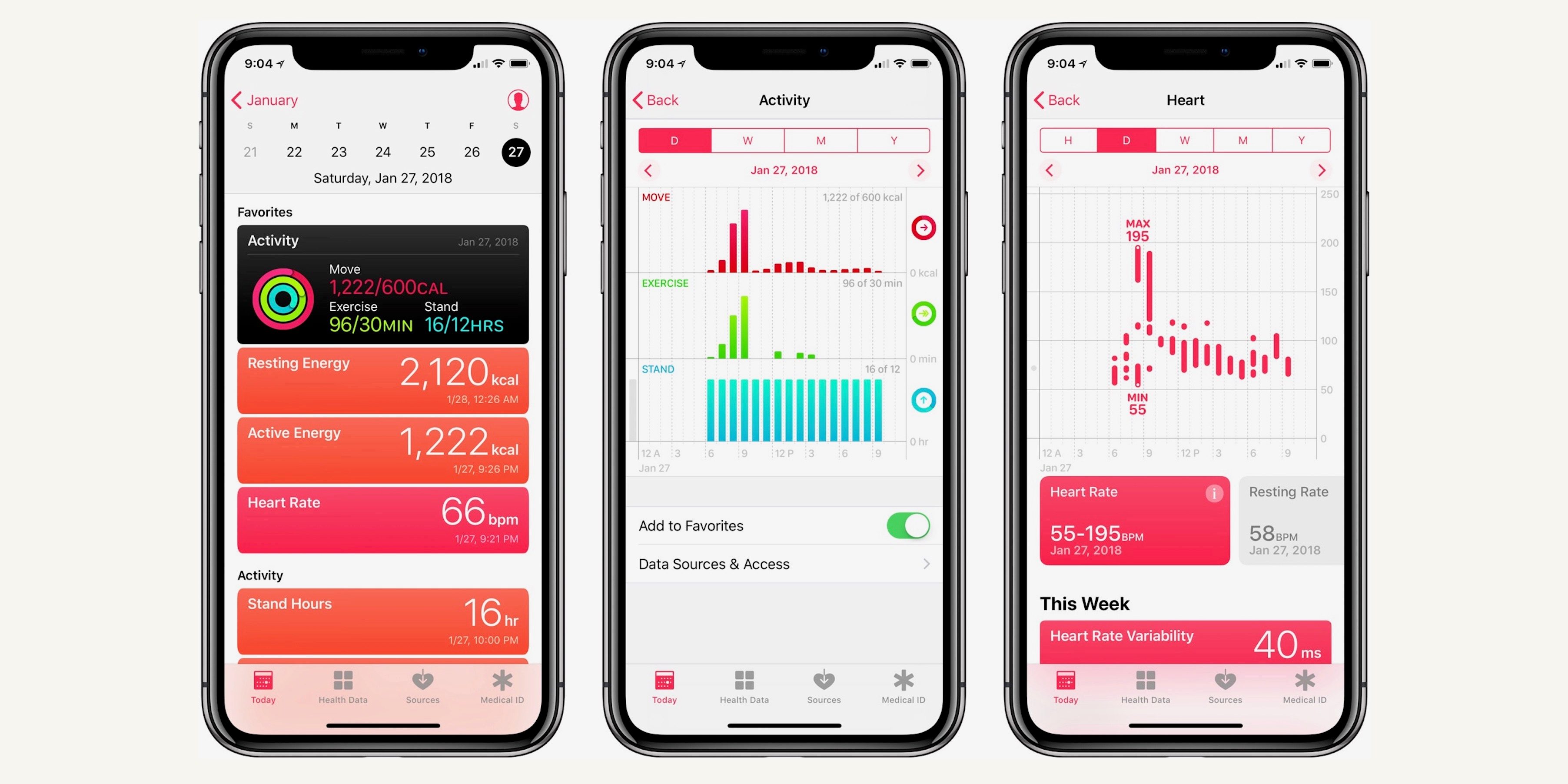
Alongside it come camera-based fitness assessments — Apple uses the iPhone camera to evaluate flexibility, strength, and balance, a kind of at-home fitness test that needs zero equipment. One wrinkle: in the current beta, the new Health experience is limited to U.S. English. If you're outside the States, expect it to arrive with localization, not on day one.
Siri AI speaks five more languages
The bigger, more practical win: Siri's AI capabilities — the headline feature of iOS 27 itself — are expanding to French, Japanese, Korean, Portuguese, and Spanish. Apple had said those languages would land during October, and here they are. This matters more than it sounds. The whole point of the iOS 27 Siri revamp was that it could actually do things instead of narrating web results, and until now that intelligence was English-only. For a huge chunk of the world's iPhone owners, this is the update where Siri AI becomes real.
There's a small companion tweak in Siri settings too: "App Access" has been renamed "Excluded Apps," with an option to exclude several apps at once. Anyone who micromanaged which apps Siri could touch in iOS 27 knows this is a welcome bit of housekeeping.
Suggested Actions returns to Messages — with an off switch this time
Here's the one that tells you everything about how Apple does betas. Suggested Actions in Messages — the contextual one-tap buttons that offer to add an event to Calendar or pull a photo into a chat when someone mentions them — appeared in the iOS 27 beta, got yanked before the final release, and is now back in 27.2. Pulled features returning in the next update is an old Apple tradition, but this time there's evidence Apple learned something.
Code explorer pdfu dug into the beta 3 code and found a whole new settings screen of granular toggles: Add to Calendar, Add to Reminders, Add to Notes, Show in Maps, and Flights and Packages can each be switched on or off individually. There's also a "Hide Unused Suggestions" switch — turn it on and any suggestion you ignore stops showing up in Messages after 30 days. It can be re-activated by toggling the individual switch off and on again. So if you loved the idea but hated the clutter, 27.2 finally gives you the steering wheel.
FaceTime, TV, Music, Podcasts: the tour continues
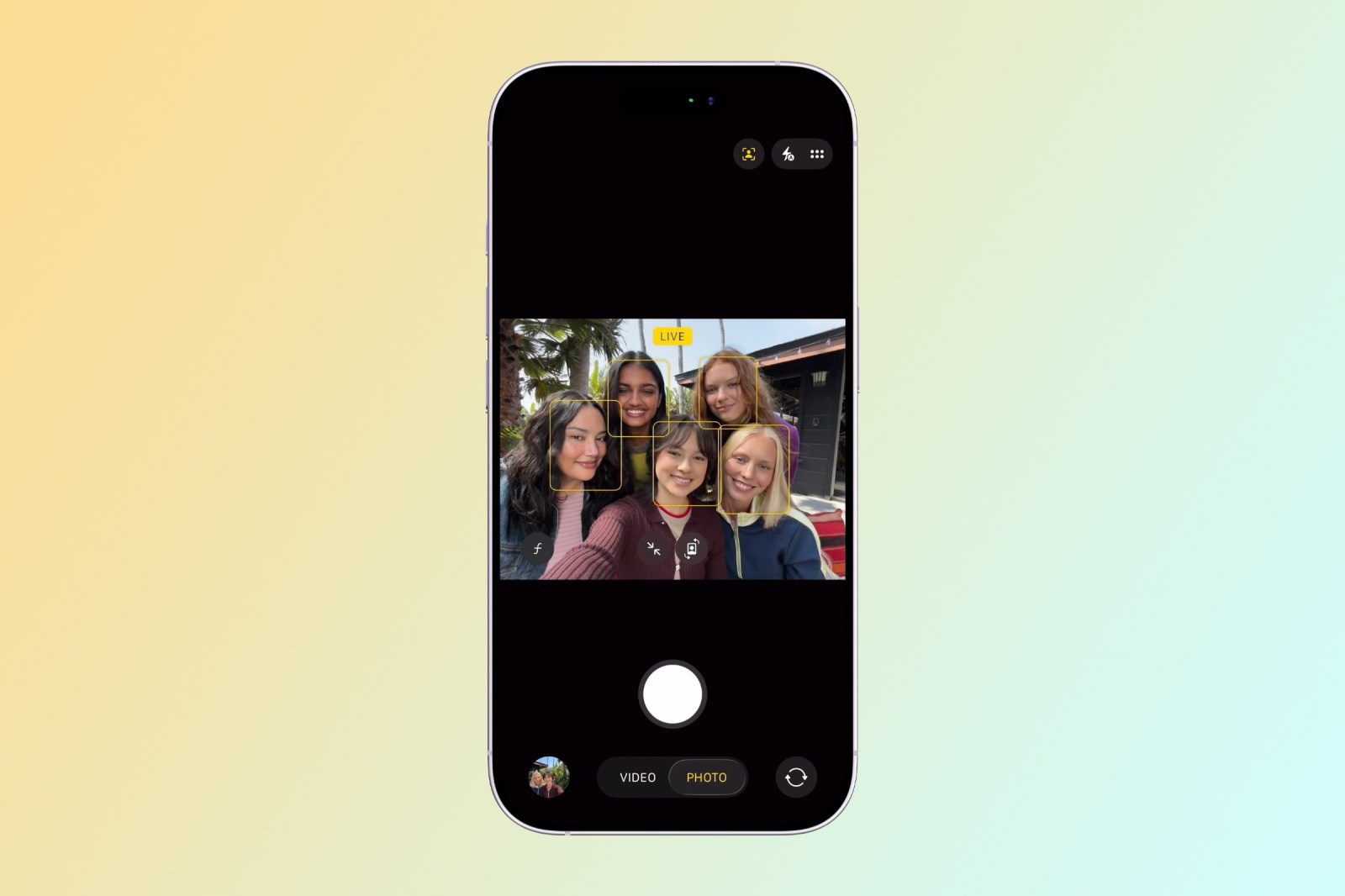
Dual Capture — the iOS 27 feature that uses the front and rear cameras at the same time — extends to Group FaceTime in 27.2, so you can show your face and what you're looking at during a group call. Also on the accessibility front: 27.2 enables Apple's previously announced ASL FaceTime API for sign-language interpretation apps, plus a sign language interpretation toggle in the Apple TV app. Genuinely nice additions that tend to get buried under the headline features.
The Apple TV app on iPhone and iPad finally gets user profiles — each with its own name, content-rating settings and viewing preferences, plus child profiles where parents pick age ratings for movies and shows. Apple Music tones down the red: Library controls like Play and Shuffle move to black accents, and Podcasts renames "Up Next" to "New Episodes," adds a "Continue Playing" section for shows already in progress, and applies color-matched backgrounds to episode lists. The Clock app now shows AM and PM in smaller text so the time itself stands out more. Small stuff, all of it — the kind of polish that adds up.
CarPlay Ultra gets its themes, and the Phone app gets thoughtful
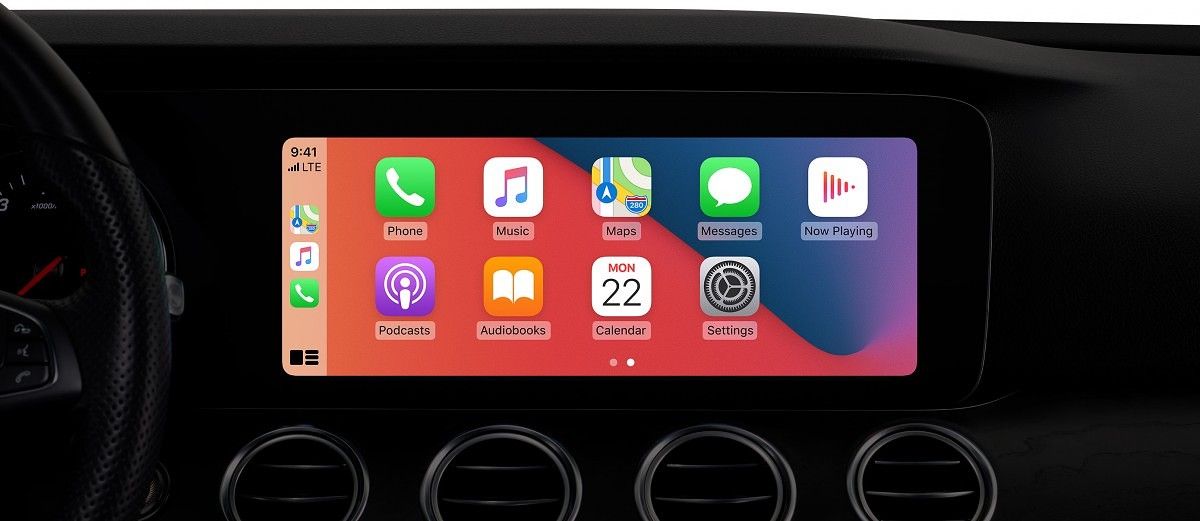
CarPlay Ultra picks up themes that customize wallpaper, gauge style and colors, and code in the beta suggests compatible vehicles could sync their ambient lighting with the chosen theme. That last bit is the one I'm watching — the ambient-lighting sync is what takes CarPlay Ultra from a big screen in my car to the car feeling like mine. For now, treat the lighting part as code-level evidence rather than a promised feature.
And in the Phone app: Call Context adds an anniversary reminder that surfaces when you call someone whose anniversary is saved in your contacts. It's a tiny thing, and it's the kind of tiny thing that saves a relationship. UI tweaks elsewhere include a new battery icon, a "Private Cloud Compute Report," and checkmark-style buttons.
The EU gets its own tracking prompt
The wonkiest change is also the most consequential for Apple's business in Europe. Per Apple's iOS 27.2 beta release notes, App Tracking Transparency gains an alternative expanded prompt with yearly re-prompting — and the alternative prompt is required in France, Germany, Italy, Poland, and Romania. This is Apple continuing to re-engineer around European regulation in real time. The average user will notice a differently-worded permission screen; the ad-tech industry will notice much more.
Why there's no iOS 27.1 public beta
If you've been following the numbering and wondering why Apple jumped straight from iOS 27 to testing 27.2, there's a good reason — and it's sitting in the wings at Apple HQ. iOS 27.1 is the iPhone Duo's launch OS, purpose-built around the foldable's displays, orientations and layouts, and the Duo doesn't launch until October 23. Apple doesn't want a public beta floating around with foldable-specific software before the phone exists. So the sequence is effectively: iOS 27 for everyone, iOS 27.1 for the Duo, then iOS 27.2 for the rest of us.
That ordering also hints at timing. Apple previously said the new Siri AI languages would be available in October, and 27.2 is the vehicle for them — so a final release shortly after the iPhone Duo's October 23 launch is the sensible bet. For more on the foldable itself, our iPhone Duo preorder guide has everything we know. And for the bigger picture of where Apple is headed this fall, John Ternus is now running design himself.
So: install it or wait?
Here's the honest version. Public Beta 2 is much more stable than Public Beta 1 was, and most of the features above are working in daily-driver territory. But it is still a beta. Banking apps break, battery life wobbles, and there's always one feature — usually the one you liked most — that gets tweaked or pulled before the final release. If this is your only iPhone, wait for the final 27.2 later this month. If you've got a spare device or a high tolerance for weirdness, the Health redesign and the Siri languages alone make this one of the more fun betas to poke at in years. Just back up first. Always back up first.
Sources
- MacRumors — Apple Releases Second Public Betas of iOS 27.2 and macOS Golden Gate 27.2
- MacRumors — iOS 27.2 May Let You Hide Specific Suggested Actions in Messages
- TechnoSports — iOS 27.2 Beta: 10 New iPhone Features Explained
- Phoonomo — iOS 27.2 Beta 3 Is Out for Developer
- Apple — Apple Beta Software Program