
Game
Twine3D
About this game
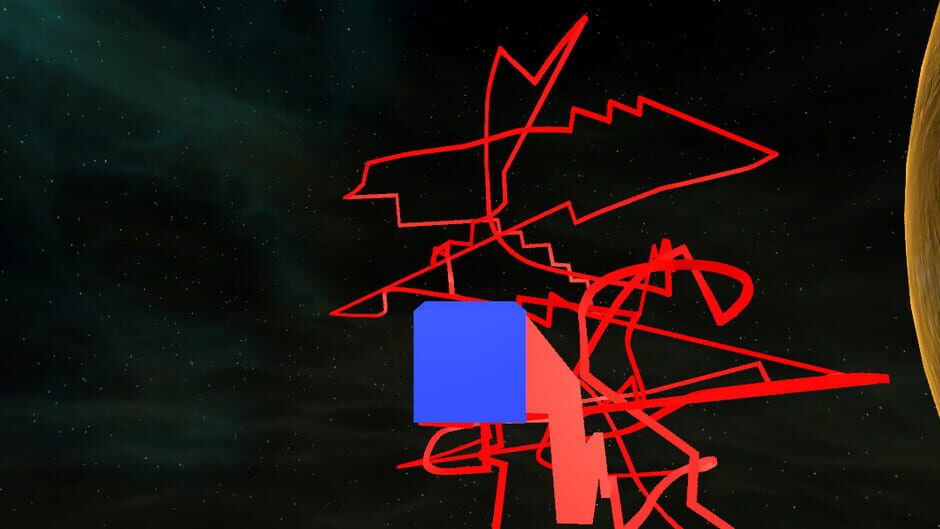
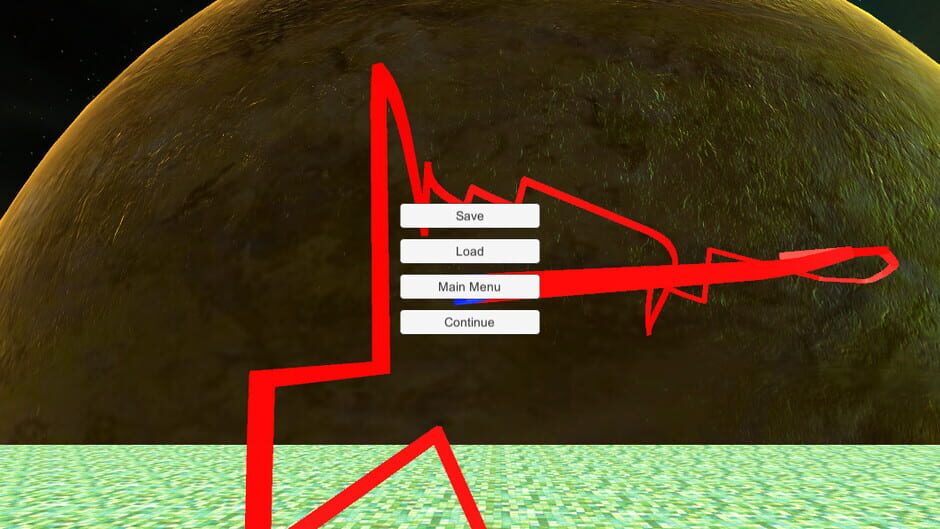
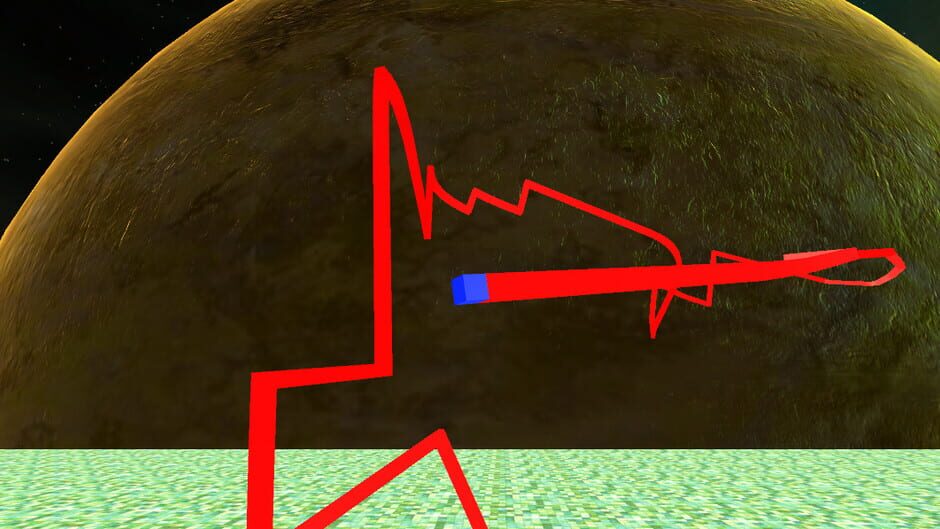
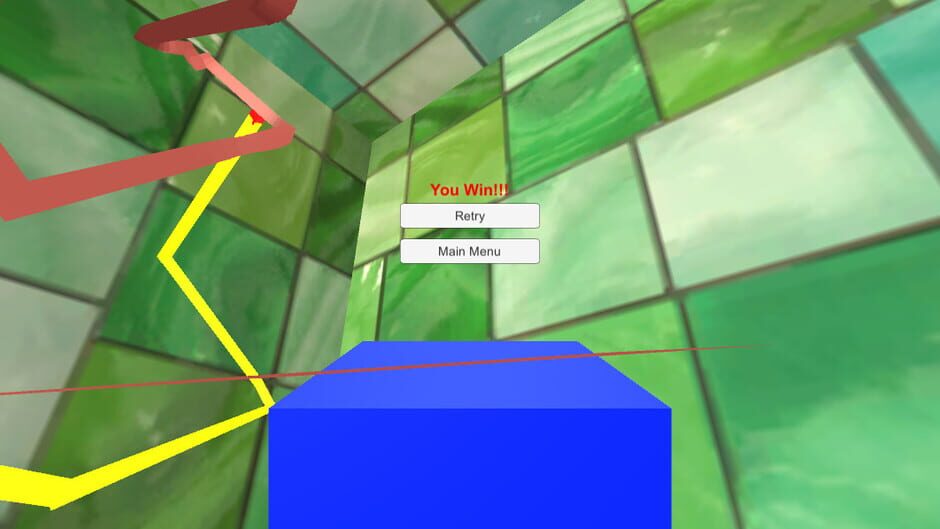
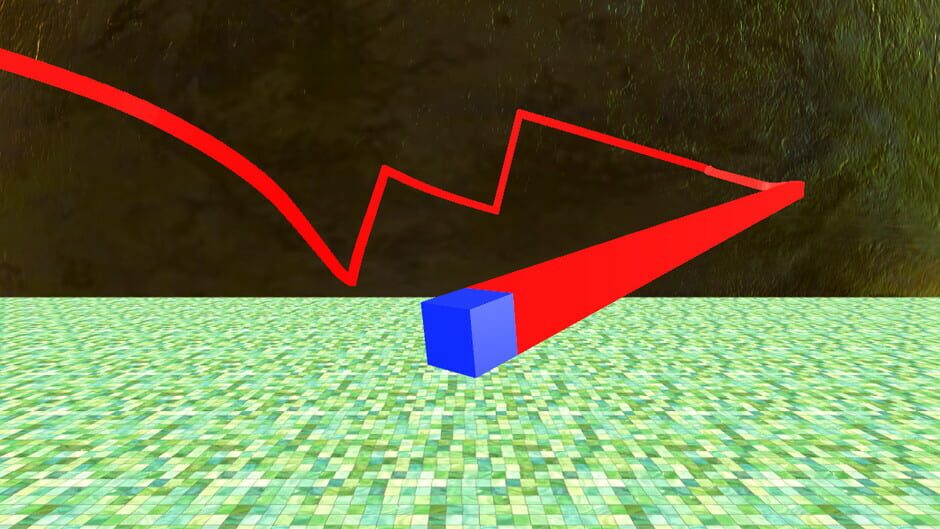
Twine3D is a third person view control path craft game. Control: Move forward:default keyboard button w; Move back:default keyboard button s; Move left:default keyboard button a; Move right:default keyboard button d; Move up:default keyboard button space; Move down:default keyboard button q; Long click mouse left button to rotate the camera; Long click mouse right button to rotate the player cube; Two Game Mode:Creative and Chase. Game Mode Creative:free to move.Player can save the scene as a Twine3D file, and load a Twine3D file to create the scene. Game Mode Chase:control the player cube to chase the AICube.Dodge the AICube path and walls,twine the AICube until win.
Screenshots
Game facts
Release date
Dec 15, 2017
Publisher
HandMade Games
Platforms
PC (Microsoft Windows)
Game modes
Single player
More games to explore





Game data and artwork via IGDB.